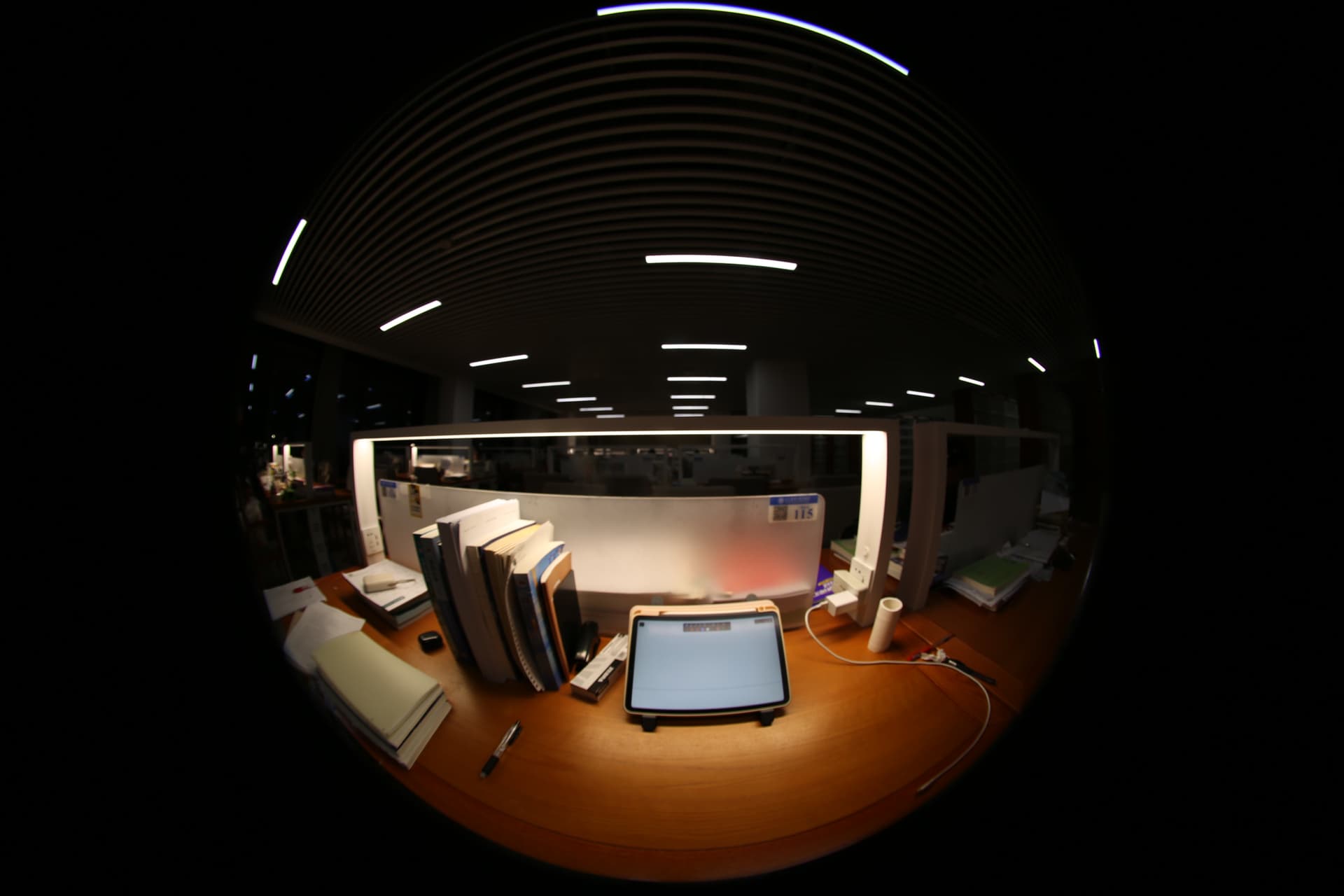
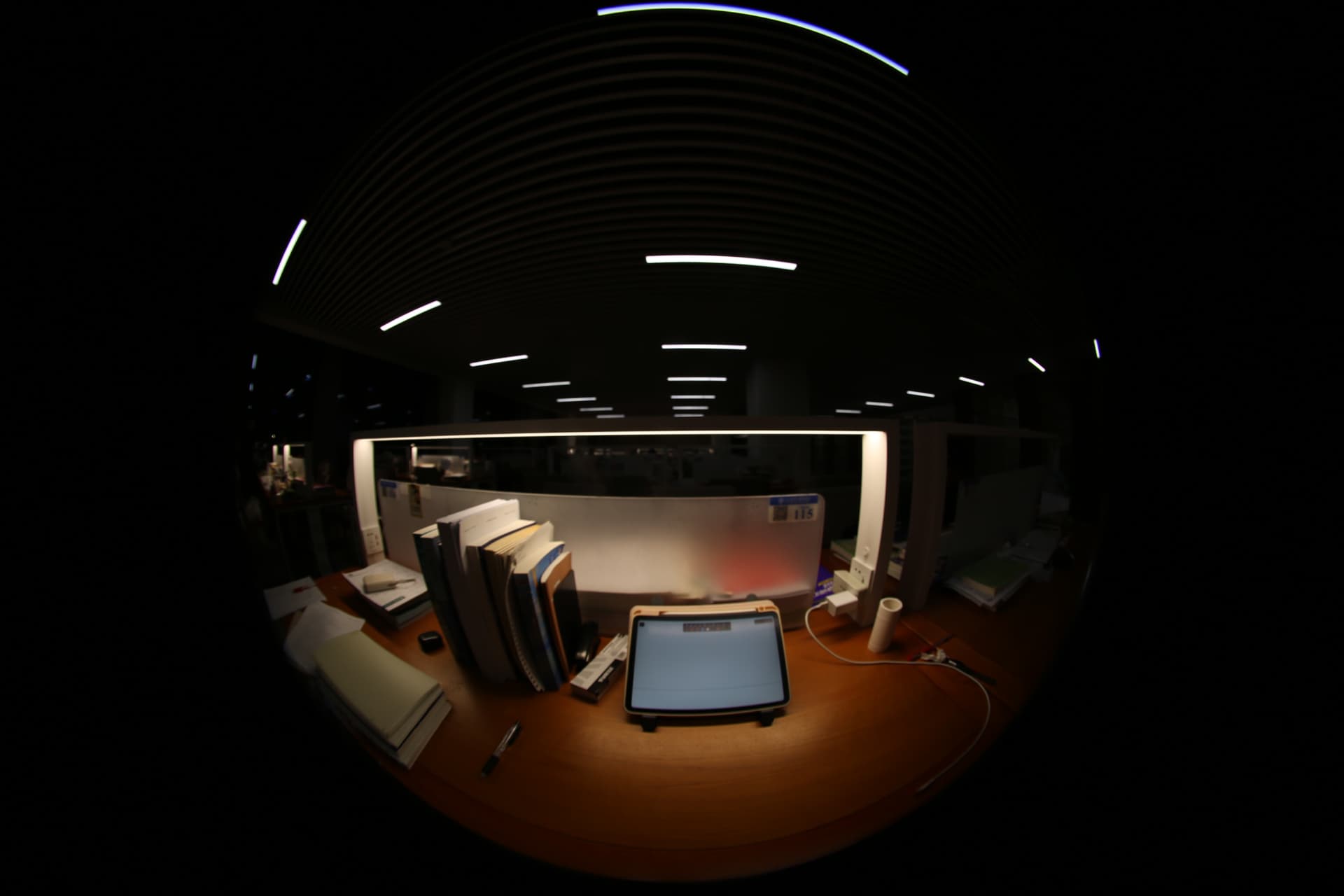
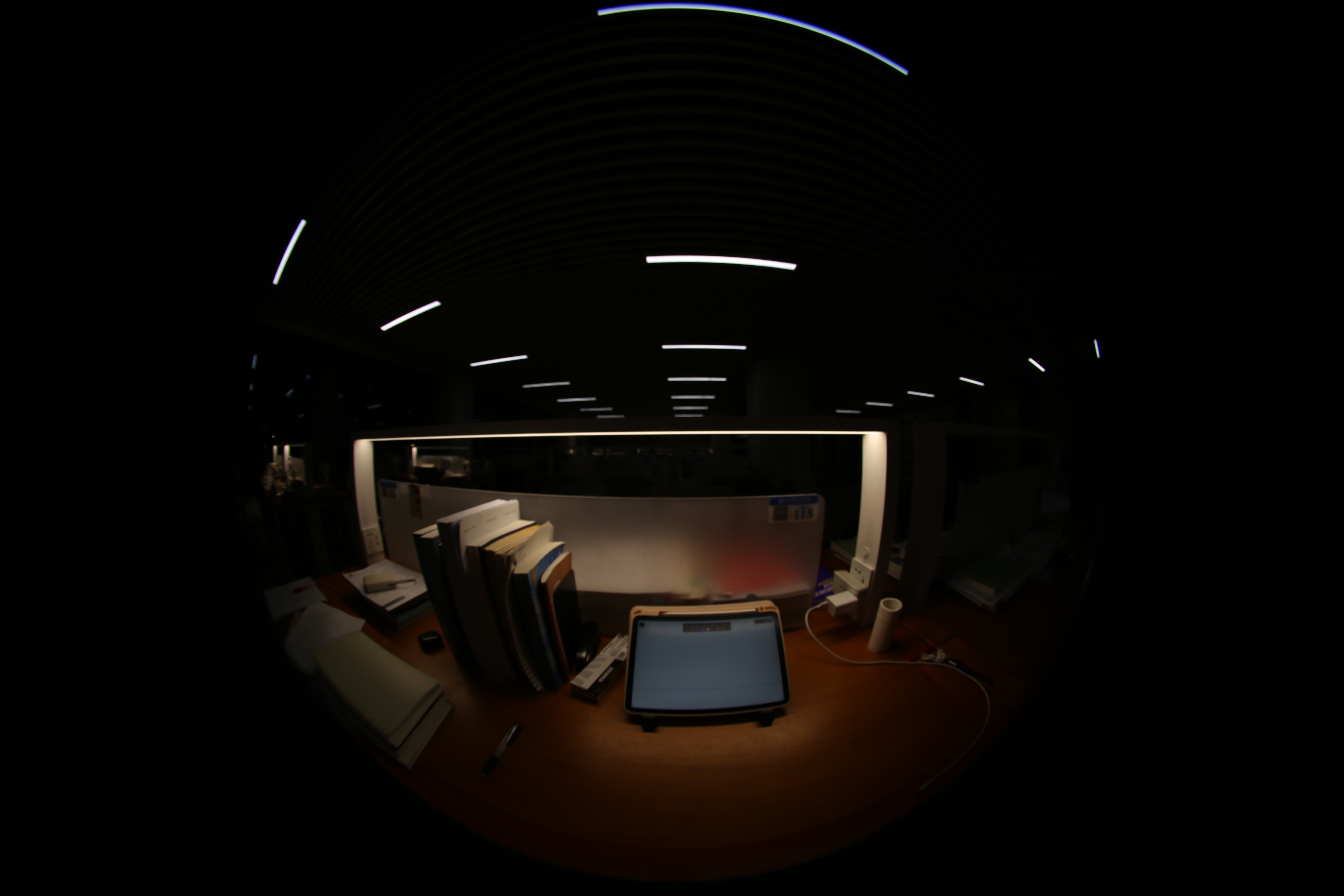
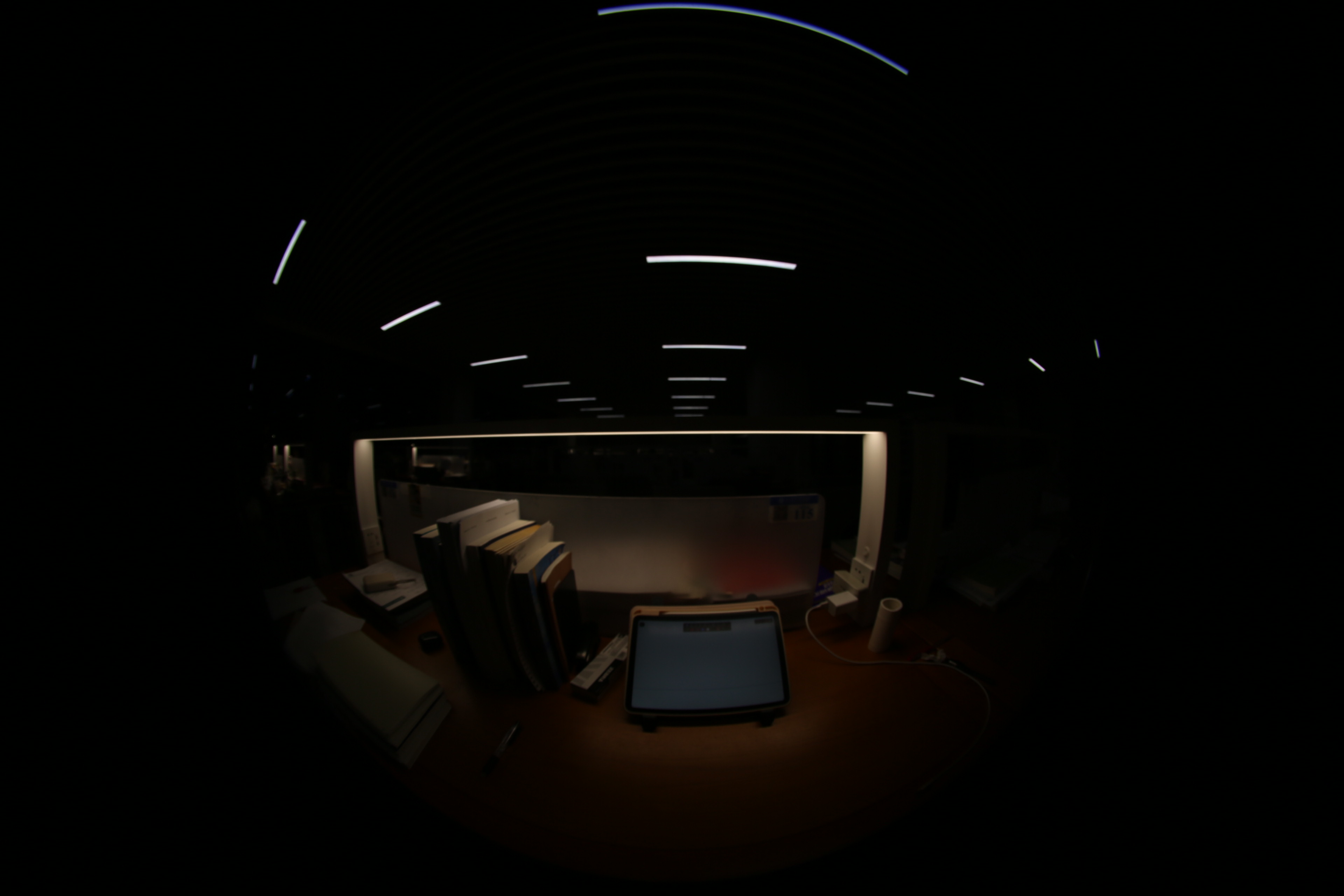
Hi everyone, I’m a student currently working on merging LDR images and I’ve run into an issue that I hope someone can help me with.
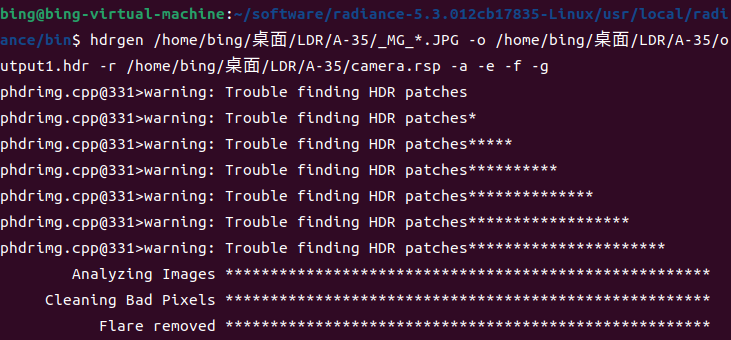
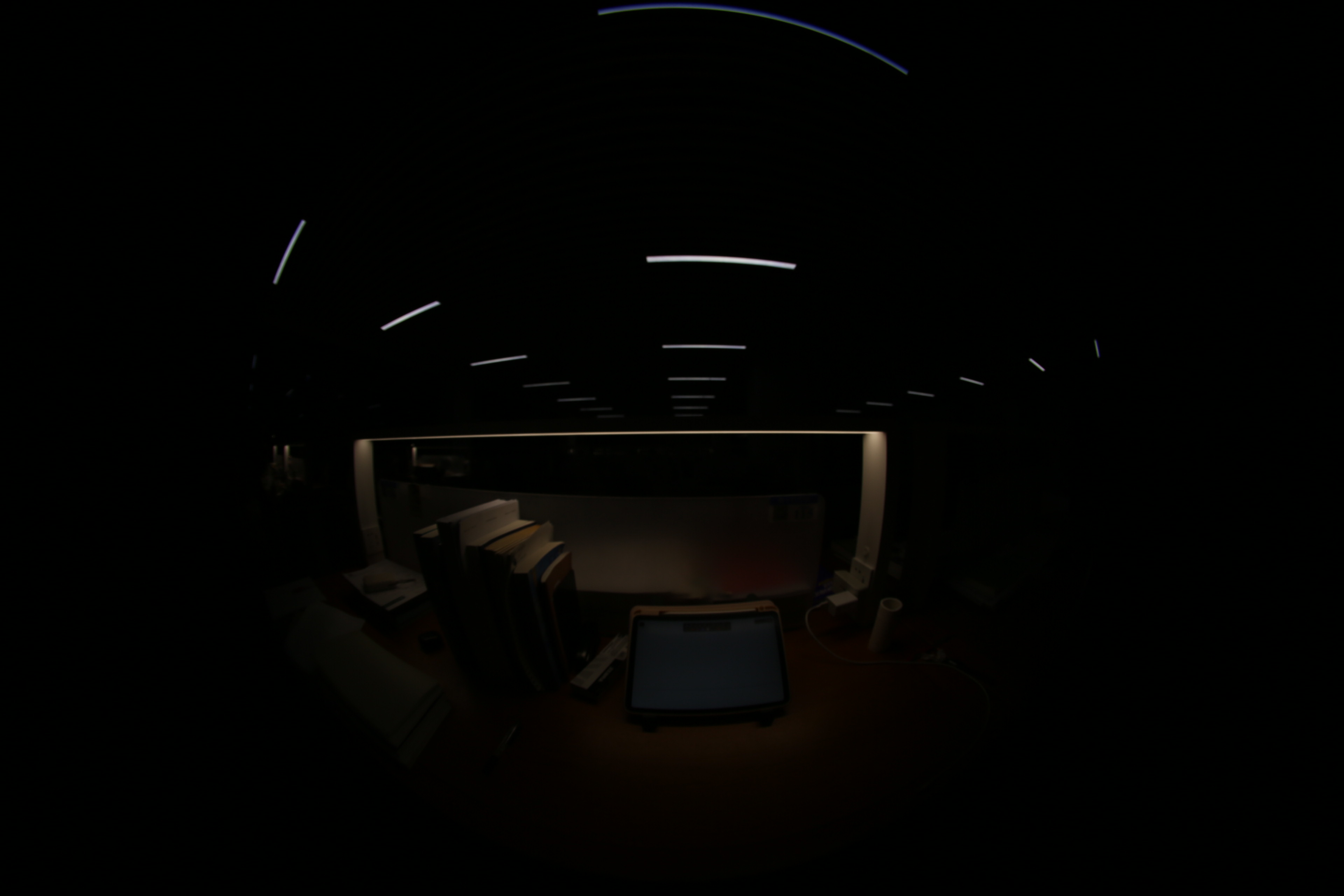
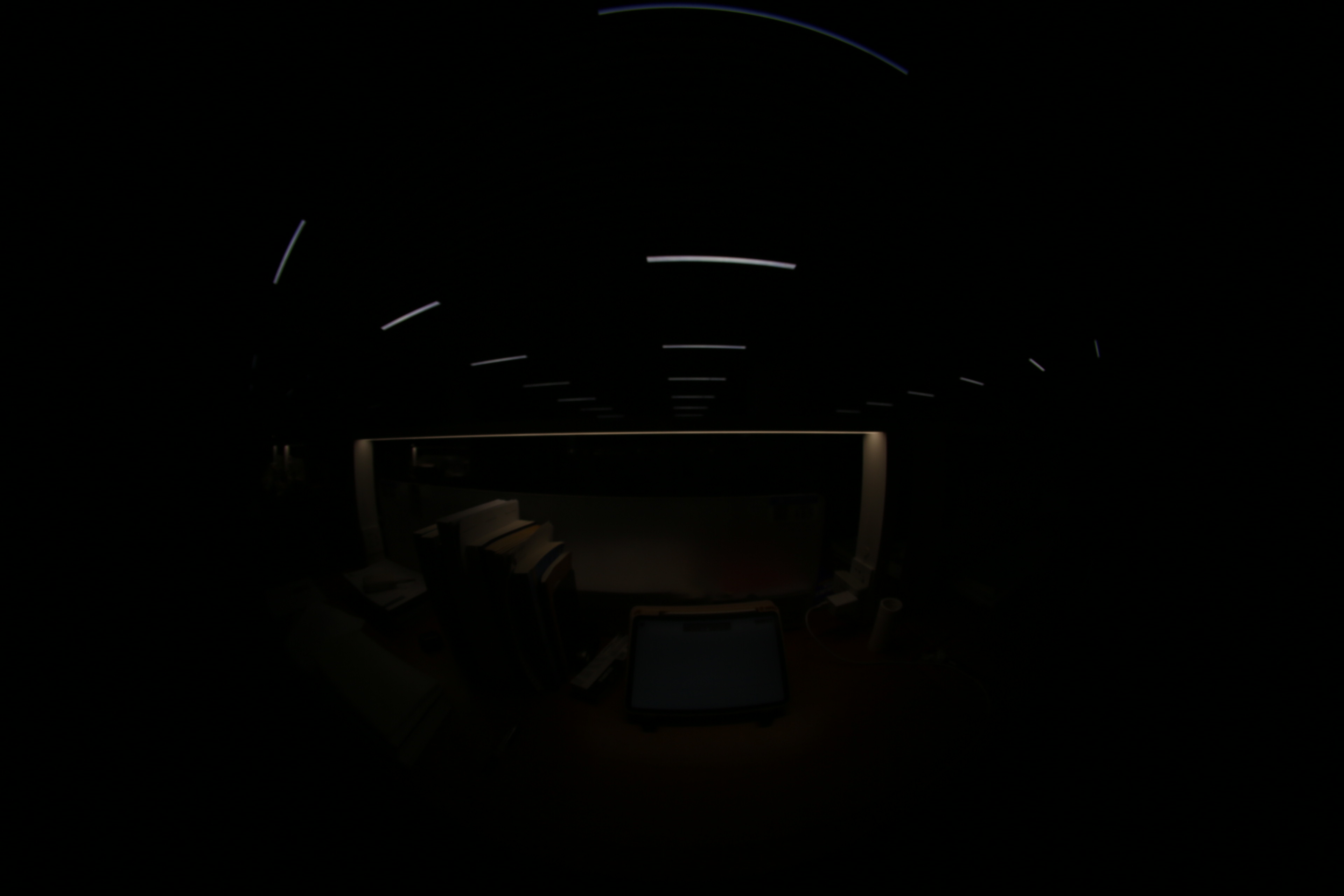
When I use hdrgen on a Linux system to execute the command for combining and generating HDR images , I get the error message “Trouble finding HDR patches”.As a result, the generated HDR image is extremely dark, with only the light fixture areas appearing white. Could you please help me resolve this problem?
Thank you so much for your assistance.
What are you viewing the image in? If the light source is very bright and/or the longest exposure is still dark, then your result makes sense.
It is best to run hdrgen first to create the .rsp file on a set of smooth images, such as a sky or large outdoor surfaces, then apply it to other scenes once you have it.
The “Trouble finding HDR patches” warning is merely telling you that you do not have a suitable scene for analysis. Once you have a good .rsp file, the other options you have specified should avoid the need to even look for patches.
I hope this helps. I am attaching some further tips on what makes a good calibration scene.
Best,
-Greg
To create a high dynamic-range image, you need to start with
a set of “bracketed” exposures of a static scene. It is best if
you take a series of 10 or more exposures of an interior scene looking
out a window and containing some large, smooth gradients both inside
and outside, to determine the camera’s natural response function.
Be sure to fix the camera white balance so it doesn’t change, and
use aperture-priority or manual exposure mode to ensure that only
the speed is changing from one exposure to the next. For calibration,
you should place your camera on a tripod, and take your exposure series
starting from the longest shutter time and working to the shortest in
one-stop increments. Once you have created your image series,
load it into Photosphere directly – DO NOT PROCESS THE IMAGES
WITH PHOTOSHOP or any other program. Select the thumbnails,
then go to the “File → Make HDR…” menu. Check the box that says
“Save New Response”, and click “OK”. The HDR building process
should take a few minutes, and Photosphere will record the computed
response function for your camera into its preferences file, which
will save time and the risk of error in subsequent HDR images.
You will also have the option of setting an absolute calibration
for the camera if you have a measured luminance value in the scene.
This option is provided by the “Apply” button submenu when the
measured area is selected in the image. (Click and drag to select.)
Once an HDR image has been computed, it is stored as a temporary
file in 96-bit floating-point TIFF format. This file is quite
large, but the data will only be saved in this format if you
select maximum quality and save as TIFF. Otherwise, the 32-bit
LogLuv TIFF format will be preferred (or the 24-bit LogLuv format
if you set quality to minimum). You also have the option of saving
to the more common Radiance file format (a.k.a. HDR format), or
ILM’s 48-bit OpenEXR format. The newest format supported is an
extended JPEG, that takes just a little more space than a standard
JPEG and retains all the HDR information. If you choose not to save
the image in high dynamic-range, the tone-mapped display image can be
written out as a 24-bit TIFF or a standard JPEG image.
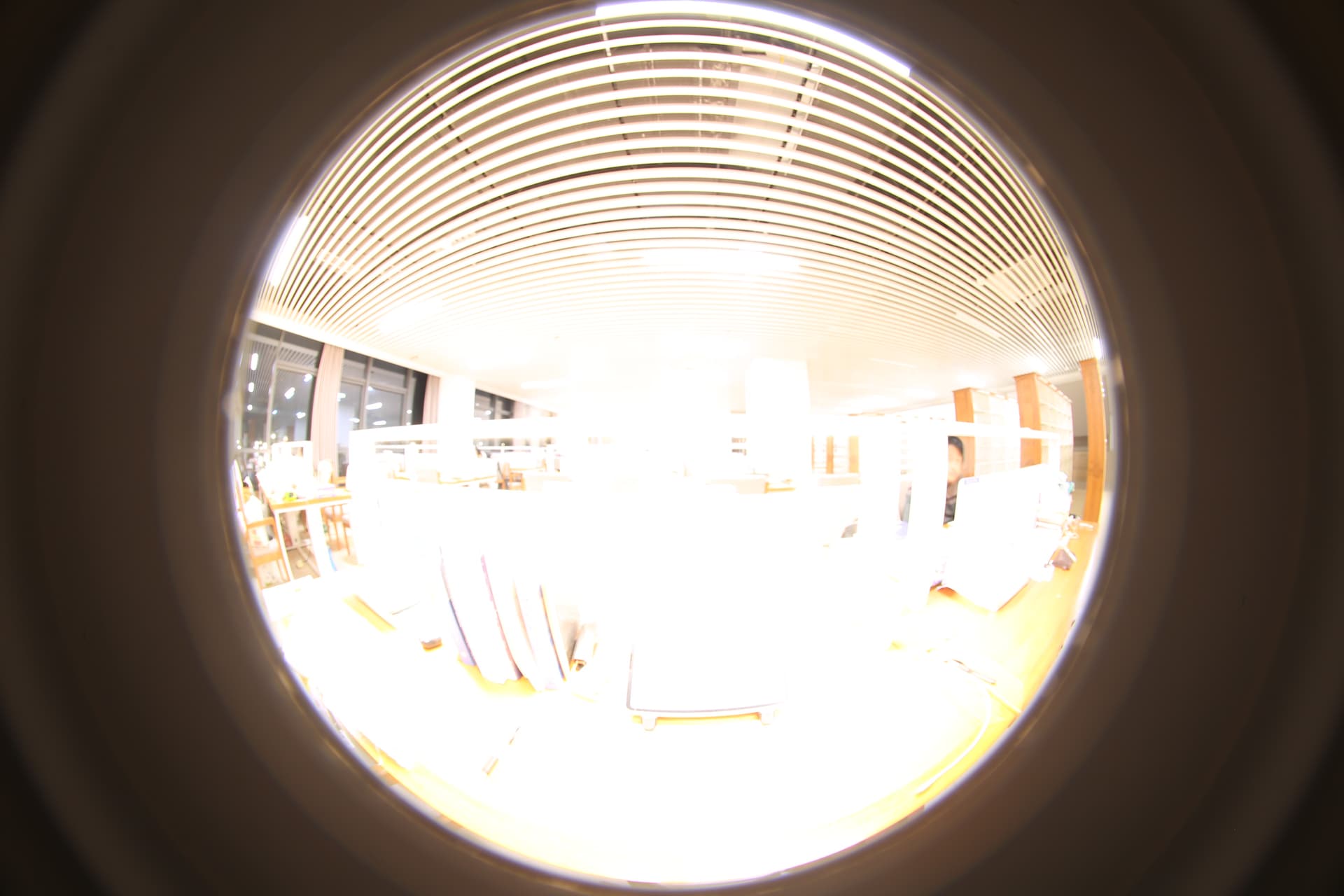
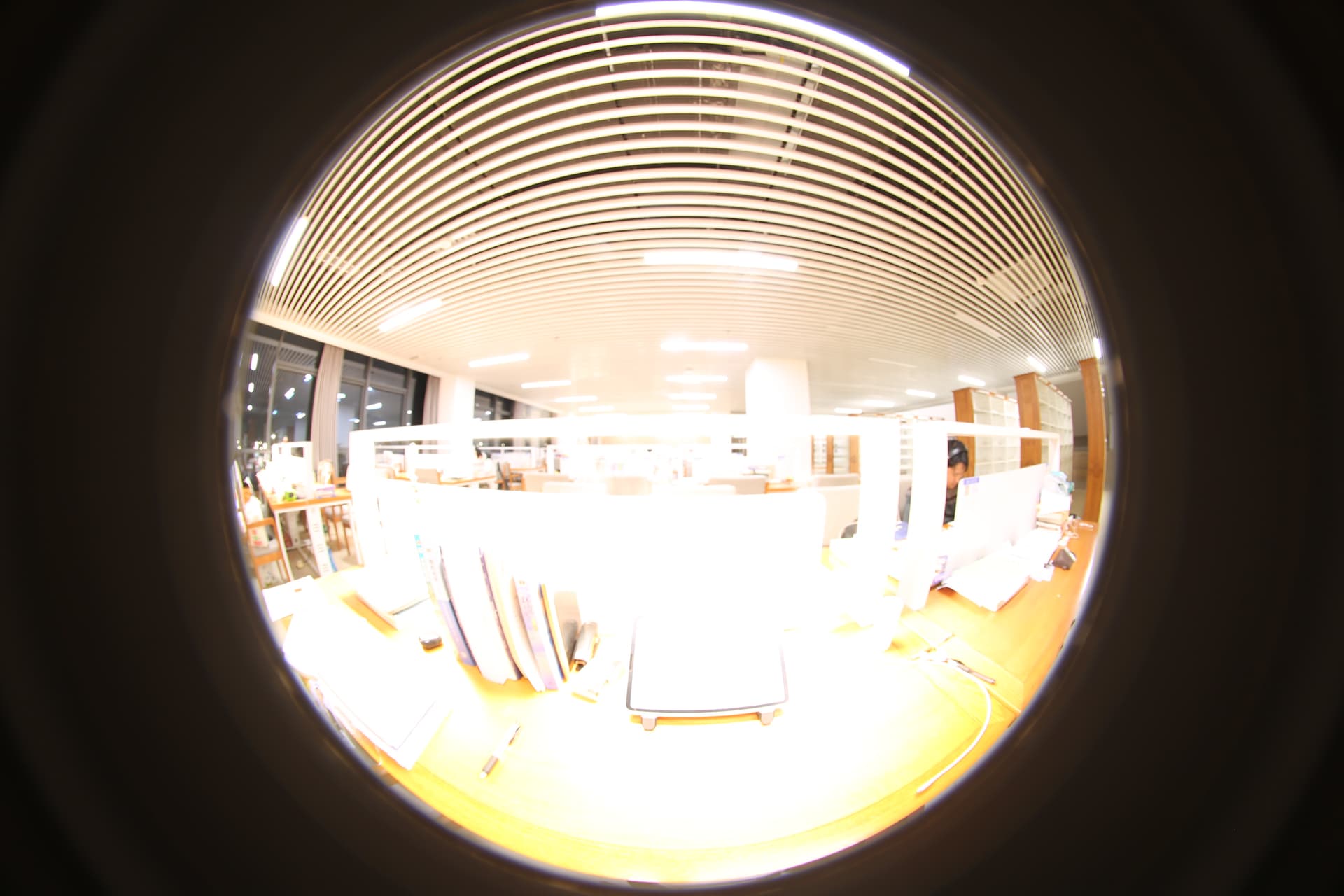
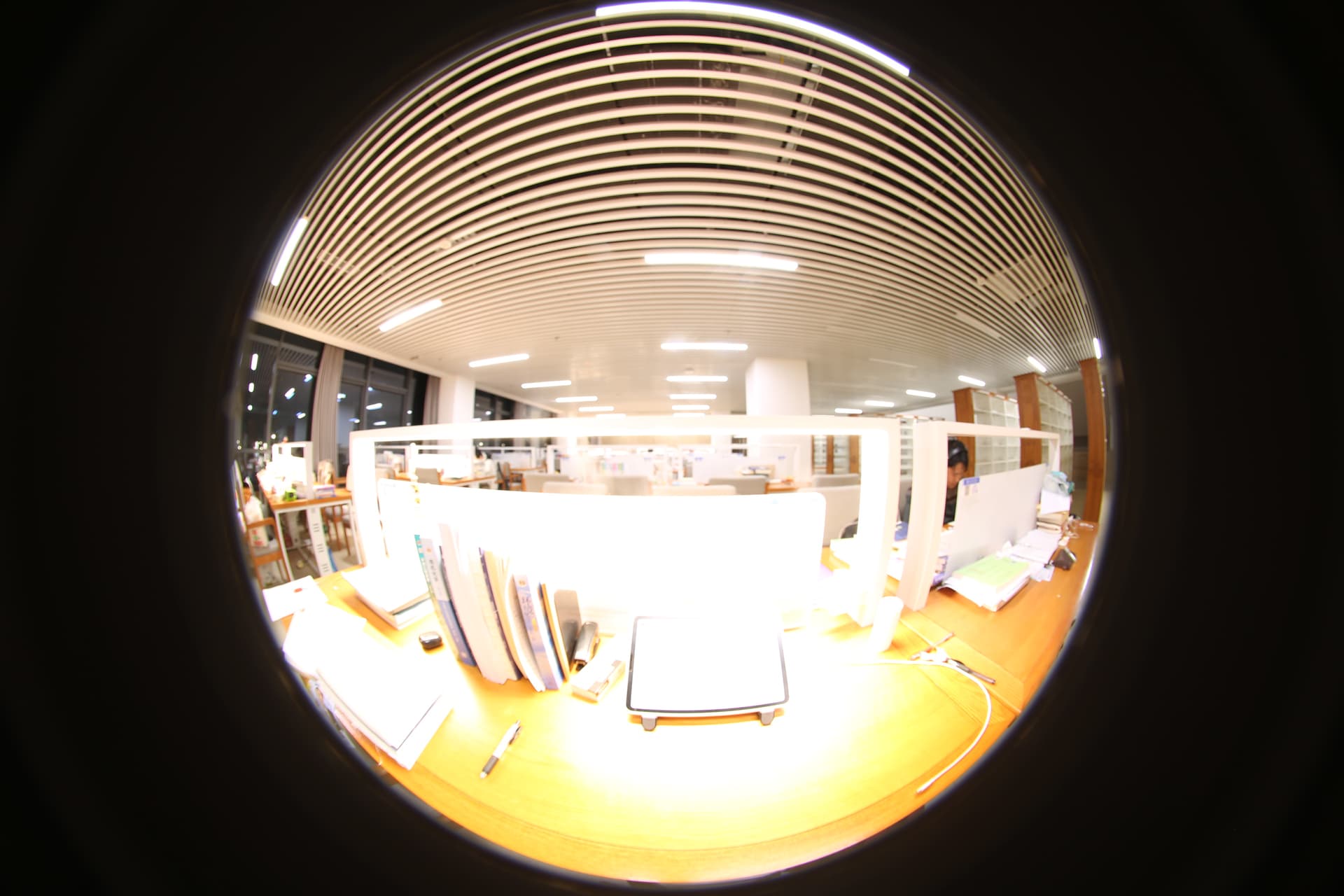
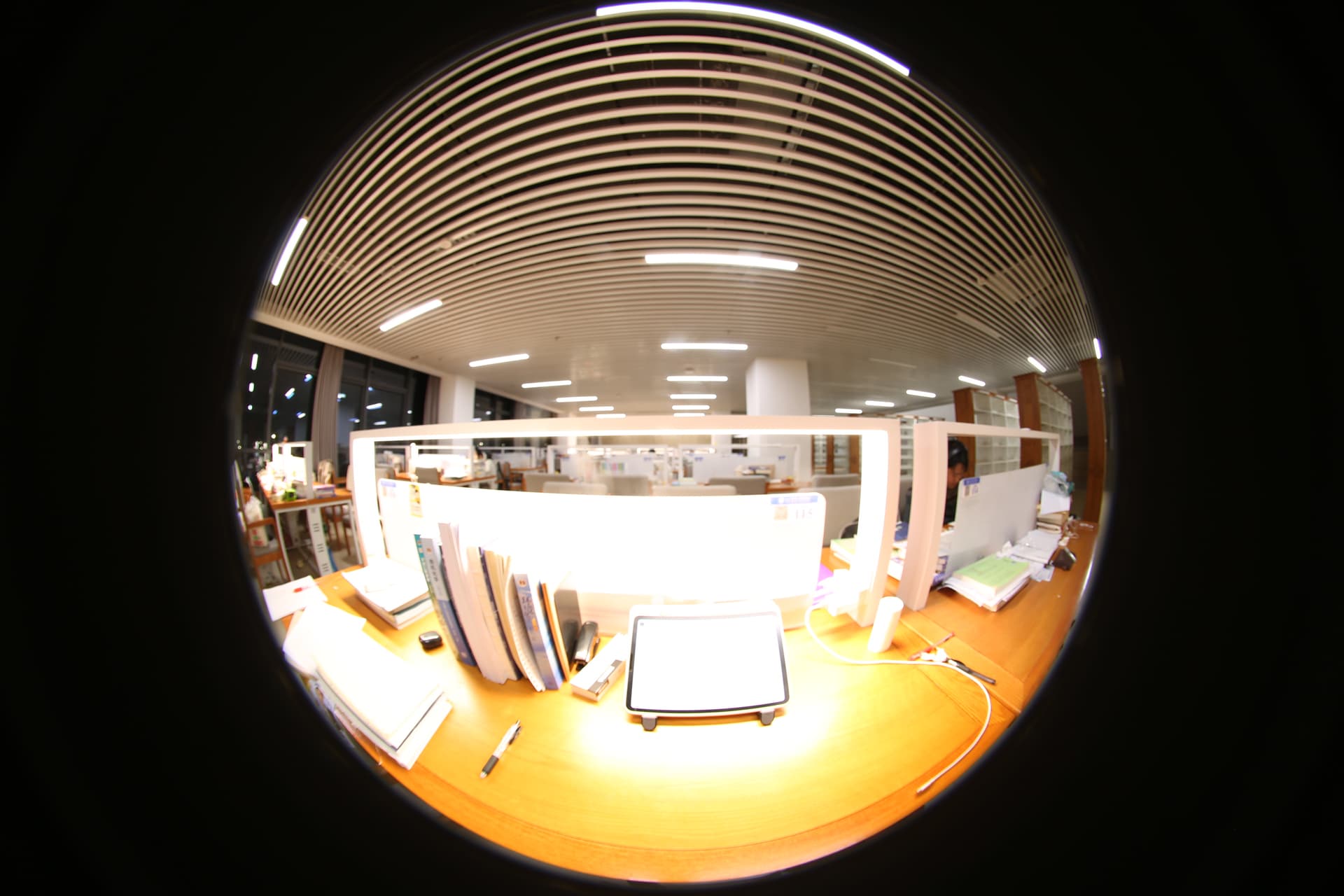
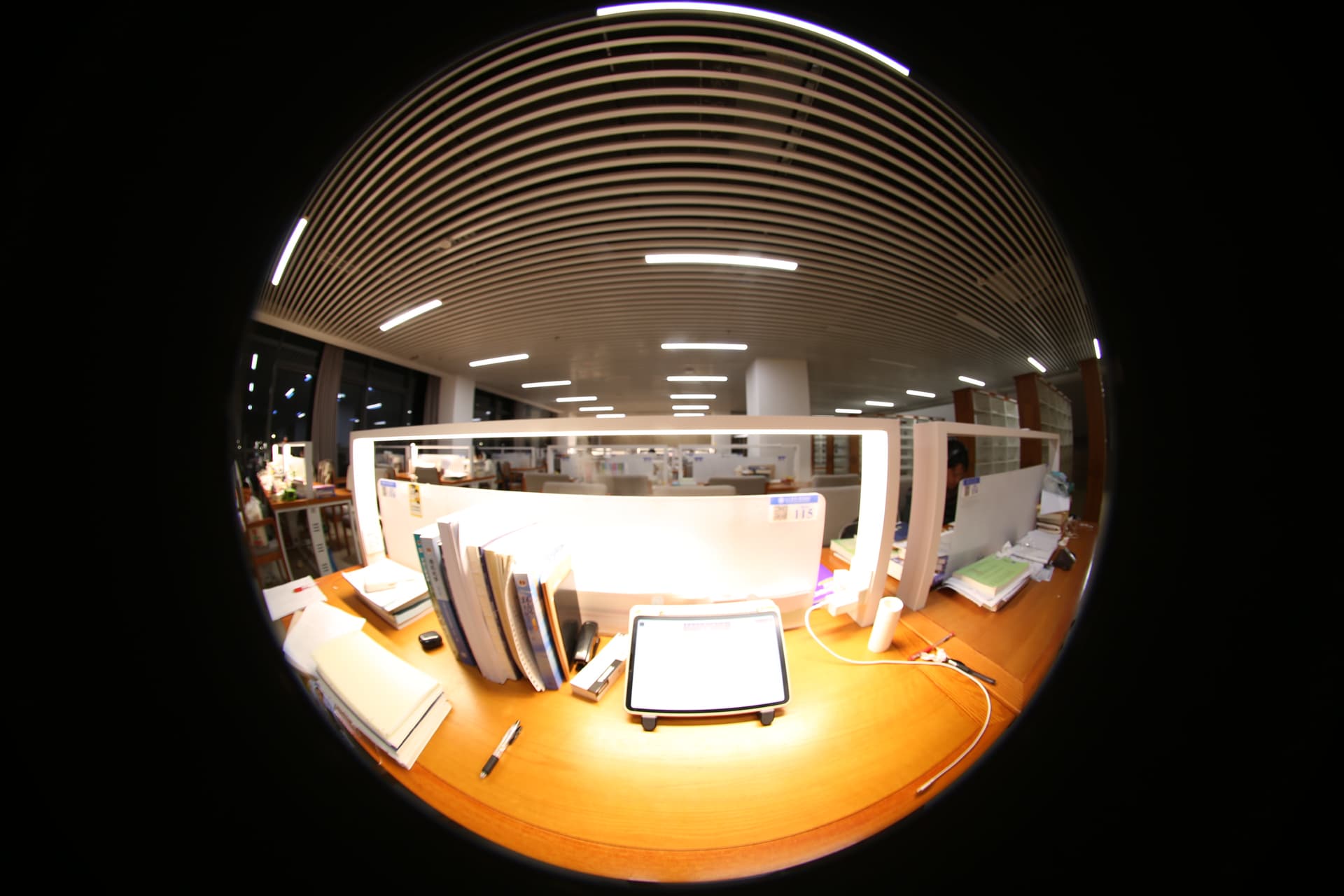
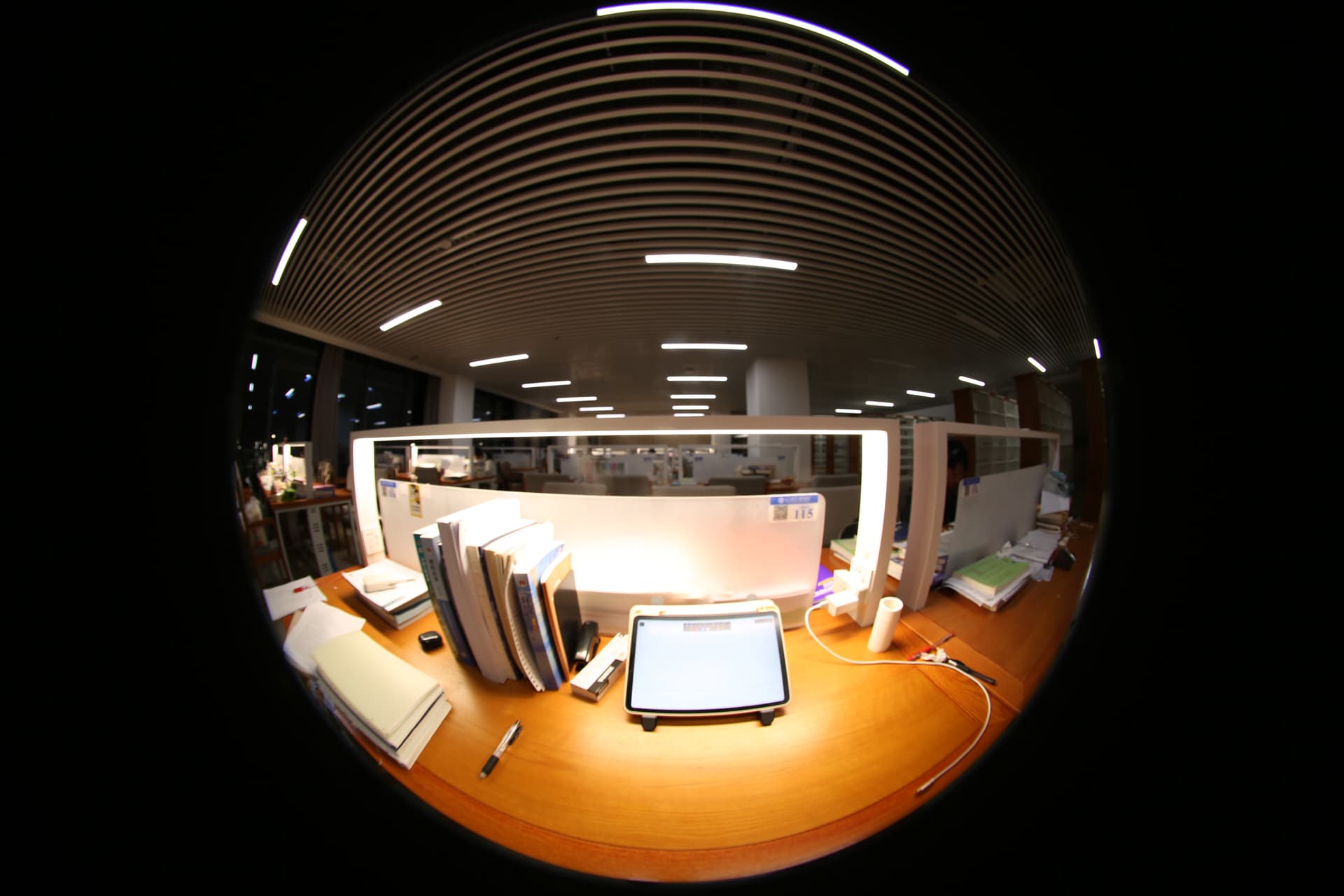
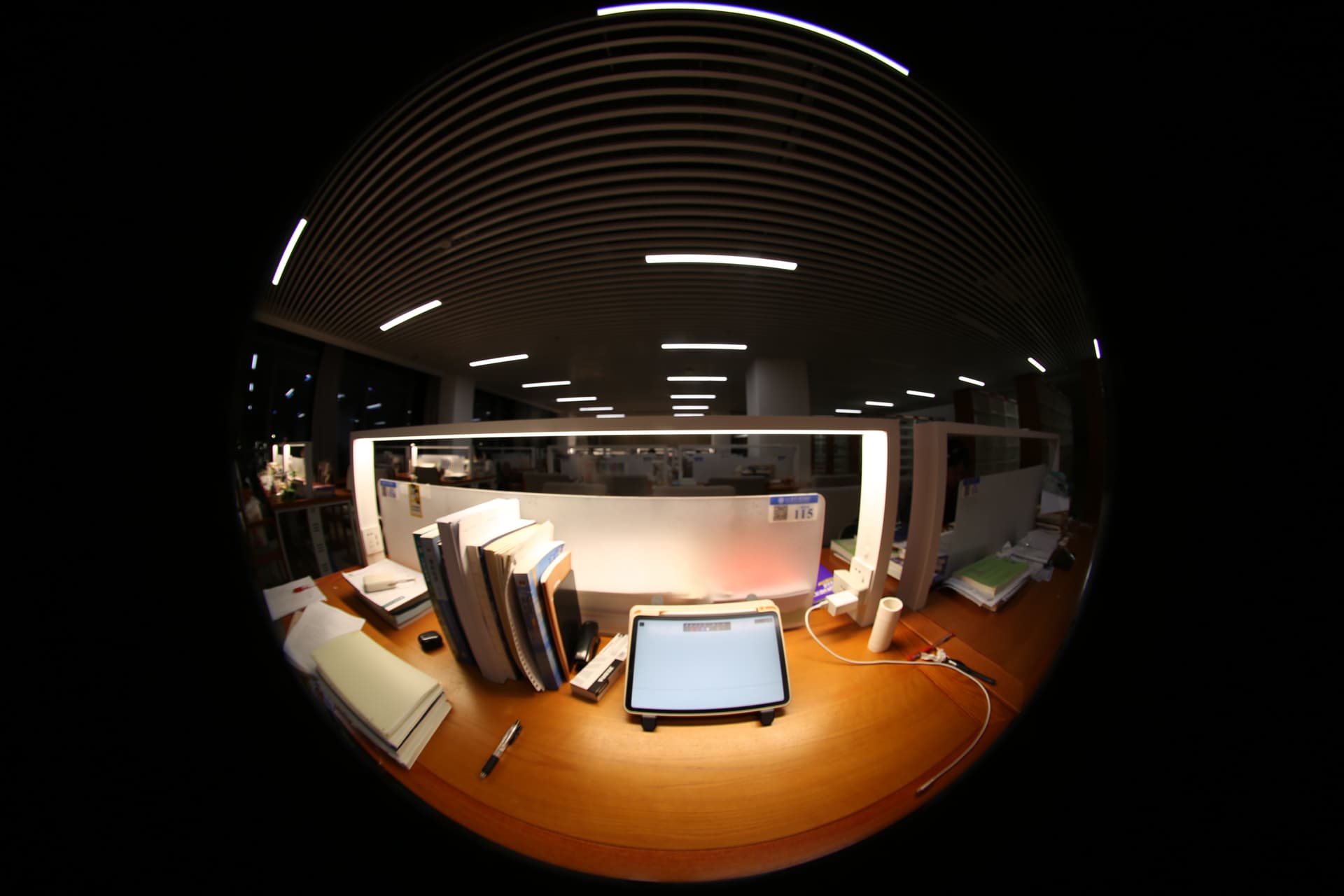
Hi Axel, thank you very much for your reply. The camera I use is a Canon 5D Mark III with a Sigma 8mm f/3.5 lens. I uploaded one set of photos I took, a total of 13 pictures. (Sorry, I don’t know how to upload via a link, so I attached the image directly in the reply. I hope this doesn’t cause you any inconvenience.) I photographed the lighting environment of the night reading room, and I was wondering if the previous situation occurred because the ambient brightness was relatively low. If you have any new ideas, feel free to discuss them with me anytime. I look forward to exploring and learning with you.
Hello Greg, I am very honored to receive your reply! When I asked a question last time, I was using Radiance to perform HDR image synthesis. When I used the hdrgen command to synthesize images, I was prompted with ‘Trouble finding patch’.
After carefully reading your reply, I realized that I might have made a logical error before. Previously, I generated the .rsp file at the same time while using hdrgen to synthesize HDR images. From your reply, my understanding is that I first need to generate a reliable .rsp file, and then use it with the hdrgen command to synthesize HDR images. Is that correct?In addition, I found that it might be because the scenes I photographed were in indoor lighting at night, so the image brightness seems relatively low, which could also be the reason for the warning.
Thank you again for your patient reply. I look forward to further communication with you.
as Greg said – you want to start by calibrating your camera. At the very least, you need a good RSP, as well as a calibration factor (I am assuming that you want accurate results).
Your JPG sequence is good, as it covers the entire dynamic range of the scene. A few suggestions:
a) if you have another, non-fisheye lens, shoot another calibration sequence that doesn’t have the black border around it.
b) derive the RSP from different calibration sequences and check how much they agree with each other
d) if you are still at the ‘tinkering’ stage and don’t care too much about the absolute accuracy of the RSP, you can use one from https://www.jaloxa.eu/webhdr/cameras.shtml. Unfortunately the EOS 5D Mark III is not good, but you could use the one for the 5D for now.
e) If you want good accuracy, consider working with RAW files rather than JPGs
f) Also see https://www.jaloxa.eu/resources/hdr/webhdrtools/index.shtml for some handy Perl scripts that make creating HDR image a little easier. The WebHDRTools are getting rather old, and are not particularly easy to install I’m afraid. See if you can get them to work on your machine.
For deriving the calibration factor, you need a luminance meter. See the WebHDR ‘Camera Calibration’ page for this.
Yes, I was recommending you run hdrgen to create a .rsp file on a good set of outdoor images, first. The way hdrgen works, it creates the -r camera.rsp file if it doesn’t exist. If it does exist, then it reuses the previously recorded camera response. That’s why you generally have one of these for each camera+settings.
It’s better if you zip together your original JPEGs and put them somewhere to download, not directly in Discourse. Unfortunately, even the full-resolution images have apparently been stripped of their Exif exposure data, making them difficult to work with.
Axel’s theory about flickering lights is a good one. This becomes more noticeable at short exposures. If you take a burst of identically-exposed images at exposures less than 1/120th second, you can check whether the captured images differ from each other in brightness.
Also, as I mentioned in my “tips” section, you do need to turn off all auto-adjustment features in your camera for merging to work reliably.
Thank you so much for your advice and the materials you shared. They are very useful for my current work. I will study them carefully to solve my problem. Thanks again.