Hi Everyone,
I’m having trouble with BSDFs. I assume it’s something obvious. Ultimately the goal is to get a perforated, opaque material, screen (1/4” thick) to show up in renderings. I have been referencing Andy’s genBSDF tutorial and his presentation BSDFs, Matrices and Phases.
I am modeling the geometry in Rhino as shown in the snapshot (in meters). To simplify things for troubleshooting, I created a 1m x 1m tile in the roof of a room and applied the bsdf to it.
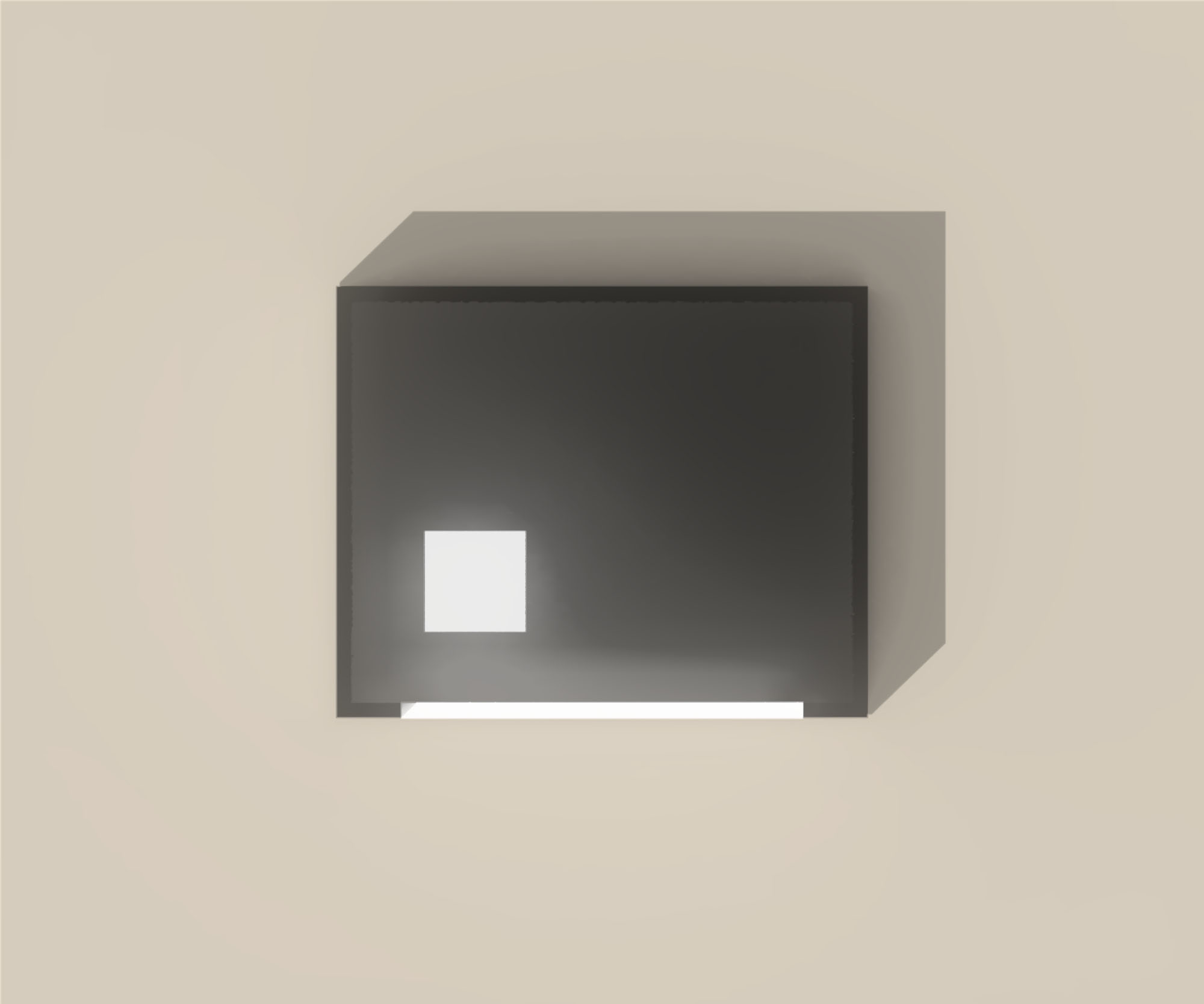
I am getting the error “rpict: warning – no output produced.” An image will be generated, but there will not be any visible evidence of the geometry with the bsdf applied. I have also tried using genblinds in case there’s an issue with my geometry, but that also did not work. The second image shows that in the rendering the material basically disappears.
The command I am running for genBSDF is a version of the below:
genBSDF +b +f -n 12 -c 2000 +geom meter +mgf fin1m.mgf > fin1mmgf.xml
genBSDF +b +f -n 12 -c 2000 -geom meter fin1m.rad > fin1m.xml
I have tried to generate the bsdf with and without the mgf file and neither works. When I omit the proxy geometry, the format of the .xml looks correct, however, when I include the geometry, instead of the rows of data, I get what appears to be a list of vertices and other information.
I haven’t played around with the ambient parameters much yet.
Thank you for your help!
Kera

Hi Kera,
Can you share your MGF file and the Radiance scene file you are attempting to render with the BSDF material? When including MGF geometry, that will often take up the first part of the XML output, but there should be the actual BSDF data following.
I recommend you use pkgBSDF for placing a BSDF that includes geometry. Otherwise, it won’t be included properly.
The only way rpict reports a warning about no output produced is when it’s being run by rpiece or something that feeds views to its stdin and everything has already been rendered.
Best,
-Greg
Hi Greg,
Thank you. I will try the pkgBSDF method.
I checked the .xml file that I generated with the included mgf geometry and the bsdf information does not appear after the mgf geometry information.
I’m not sure if the link below will work for the files - I can’t quite tell on my end. I included the .mgf, the .rad that I used to create the .mgf, the room scene definition and the tile.rad file where I included the bsdf.
Thank you!
Kera
https://drive.google.com/drive/folders/137gVX2SgdX8h4yKRJk27sgLfsRlcFpqv?usp=sharing
Thanks, Kera. I was able to download your files and test them, and I believe I know at least part of what was going wrong.
If you use a BSDF type with a non-zero thickness, then the expectation is that you will apply the material to two surfaces back-to-back if you want rays to travel in both directions. This is the part that pkgBSDF takes care of for you, with or without geometry.
When I used your first command to take the MGF file and create a Klems BSDF XML output, it seemed to work fine. I did get rather a lot of geometry in the output, but once you get past about halfway through the XML file, it switches to Klems BSDF data. Incidentally, the “genBSDF +geom meter” option should still produce geometry from a Radiance input description, the only difference is that genBSDF will run the rad2mgf command for you. There is not much sense in the +mgf option unless it is easier for you to work in MGF to start with.
Here are the commands I used to get everything working:
genBSDF +b +f -n 4 -c 2000 +geom meter +mgf fin1m.mgf > fin1mmgf.xml
pkgBSDF -s fin1mmgf.xml | xform -t .5 .5 3 > tilemgf.rad
oconv room.rad tilemgf.rad > room+skylight.oct
Note the -s option to pkgBSDF that sends the description to stdout, as we needed to move the result into place. The translation vector is maybe not what you expect, because genBSDF shifts whatever geometry you give it to center it at the X-Y axis origin. I often use the getbbox command on Radiance files to figure out where they are in 3-space.
I hope this sorts out your issues, though I’m still puzzled by the rpict error you were getting.
Best,
-Greg
Thank you, Greg! I now see where the tutorials show that two surfaces are needed when using a thickness. For what it is worth, I am seeing that I am also getting the rpict: warning - no output produced when running files without any bsdf materials, but I am still getting output/results.
Best,
Kera
Hi Kera,
Since the rpict warnig titles this thread, maybe we should figure it out. What command are you running when you get this, exactly?
Cheers,
-Greg
Hi Greg,
I’m running the rad command (I created a .rif file for running it). This particular one is very simple. I only have the scene file (with materials assigned in it), the sky file and the view file being referenced.
Thank you,
Kera
So, it must simply be that your rendering quality and scene difficulty isn’t high enough to warrant whatever setting you use for rad -N to create your single view. Rad calls rpiece, which calls the -N setting copies of rpict, and one or more of them has nothing left to do by the time it’s started. This is normal. I would just lower the -N option setting, or not use it at all. It may be faster to render without -N
Cheers,
-Greg
Thanks, Greg! As always a great help.
Happy Holidays!
Kera