Thanks Greg, the tutorial in the Chapter is really helpful.
If I render my scene though I am getting only the light source as you can see in image below:
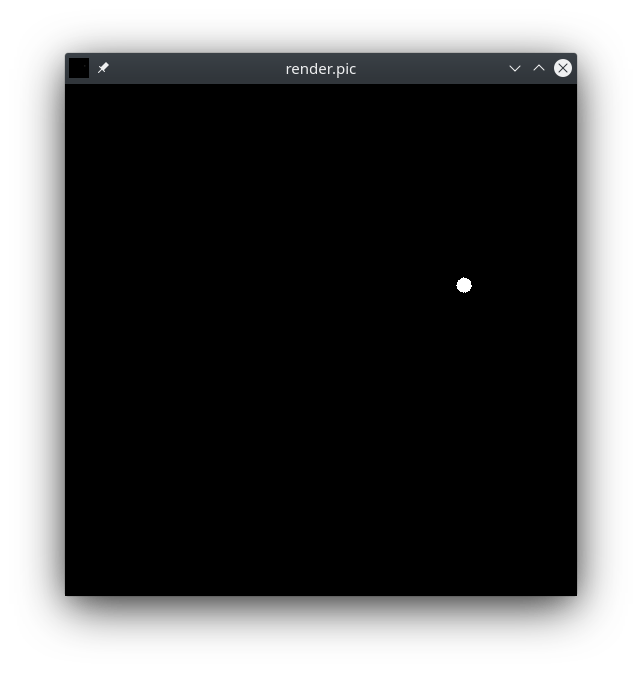
I used the following commands:
$ obj2mesh -a house_room3.mat house_room3.obj > house_room3.rtm
$ oconv light_source.rad house_room3.rad > house_room3.oct
$ rpict -vp 7.481131553649902 -6.5076398849487305 5.34366512298584 -vd -0.6515582203865051 0.6141704320907593 -0.44527149200439453 -vu -0.32401347160339355 0.3054208755493164 0.8953956365585327 -av 1 1 1 -ab 2 house_room3.oct > render.pic
where my house_room3.rad and light_source.rad are
void mesh testmesh
1 ./house_room3.rtm
0
0
and
# this is the material for my light source:
void light bright
0
0
3  1000  1000  1000
#  red_emission  green_emission  blue_emission  #

# here is the light source:
bright sphere fixture
0
0
4  2  3  2.8  0.125 # <-- tried to replace these values with 4 45 3 44.8 0.125 see output from getbbox command below
#  xcent  ycent  zcent  radius  #
respectively.
Trying to visualize my mesh with objview gives me the following output:
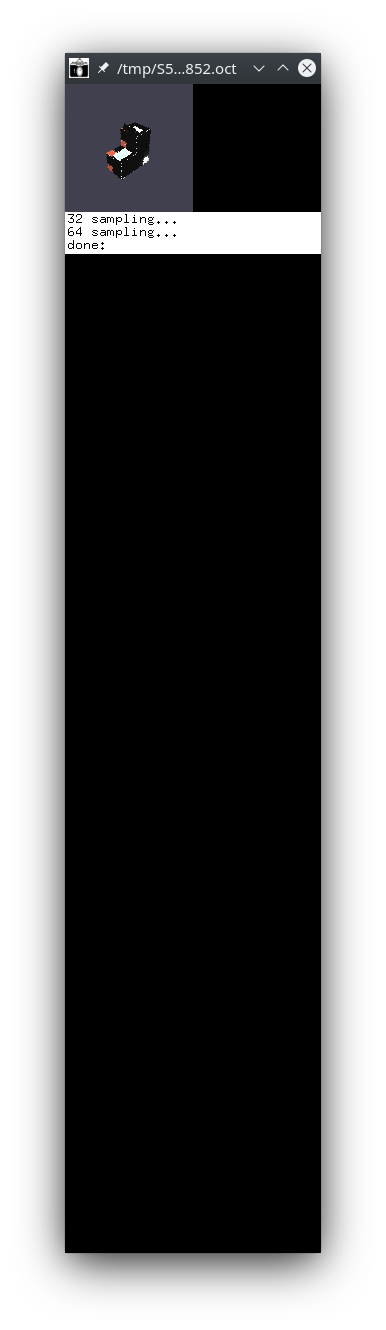
I can see the mesh on the top left corner but the output window seems a bit strange (I am not sure whether it should look like that though, meaning stretched).
The bounding box of the scene is the following
$ getbbox house_room3.rad
xmin      xmax      ymin      ymax      zmin      zmax
43.1173   48.8672  -1.50496   4.24496   40.4901     46.24
Based on these I tried to play with the position of my light source as well as the camera vp, vd and vu parameters but I couldn’t get any good rendering output.
Any hints what might be wrong.